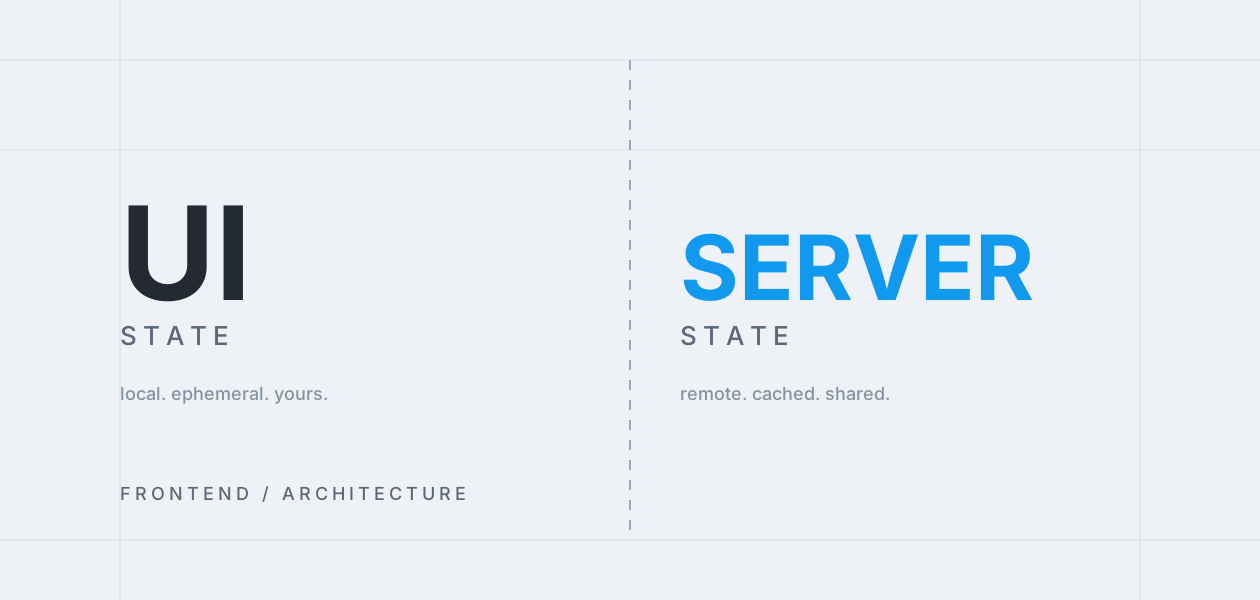
Why We Split UI State From Server State (And What Broke When We Didn't)
A look at the bugs that show up when local UI state and remote data get tangled together in the same store.
Overview
Early product screens are often built with one big store holding everything — form inputs, modal visibility, and server data side by side. It works, until the app grows and the two kinds of state start fighting each other.
The Problem
Server data has its own lifecycle: it can be stale, it can fail to load, it can be refetched. UI state doesn't have any of that — it just reflects what the user is doing right now. Treating them the same led to bugs like modals resetting on a background refetch, or forms silently overwriting in-flight edits.
The Approach
Splitting the two meant server data lived in a dedicated data-fetching layer with its own caching and invalidation rules, while UI state stayed local to the components that needed it. The rule of thumb: if it should survive a page refresh or be shared across tabs, it's server state; if not, it's UI state.
Key Takeaways
This split sounds obvious in hindsight, but it only becomes urgent once an app is big enough for the two concerns to actively collide. Worth doing earlier than it feels necessary.
Comments